













Software
img_home01
i_solution 02

iSolution Lite

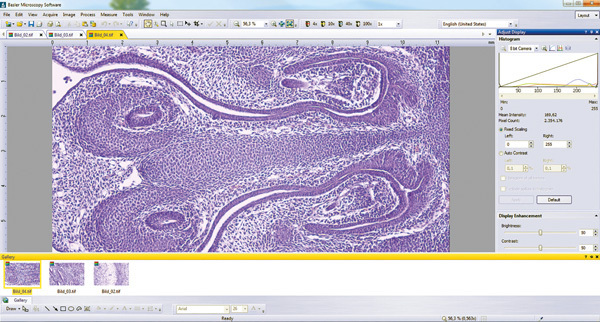
iSolution Lite is a streamlined version of the i-Solution image analysis application and features the latest in acquisition, analysis and reporting functionality, including digital live measurement, image stitching, a time lapse capture tool for video, and quick, easy reporting of measurement data and statistics.                   

i_solution 01

iSolution

i-Solution is a high-end imaging solution that offers all the standard image analysis tools, plus additional, ground-breaking features, like fluorescent image composition, and automatic count and size functions.                       

i_solution 04

iSoultion DT

The most comprehensive image analysis application in the iSolution suite, iSolution DT combines an exceptionally user-friendly interface, easy integration and an incredible range of innovative image measurement and analysis tools, including auto calibration, stereo microscopic focus enhancement, auto edge detection and automatic stage control and image stitching.                                

img_products09

Why buy an expensive measuring stage? Think outside of the box by making measurements accross multiple fields of vew in iSolution Lite!

Download iSolution
Software Suite pdf


iVision-Mac™

Imaging and Automation for Science

Final-Neuron_100-high

Complete Imaging Package for Mac

iVision‐-Mac is image acquisition, processing, measurement, and analysis software. iVision‐-Mac directly supports the acquisition of images and time-lapse series. Sophisticated imaging processes or even simple routines can be automated down to the push of a single button through the use of the intuitive scripting tool. There is no need to learn Visual Basic or other programming languages when you want to automate your imaging routines. Also, fully integrated extensions easily automate microscope control by driving motorized microscope hardware.

Our team of scientists and engineers designed iVision‐-Mac to include the full set of tools needed to build imaging, analysis, and automated solutions for the laboratory. Free camera controls let you acquire images from any camera we support. Extensions (such as Ratio Plus, Fluorescence CV, and Motion Control) smoothly integrate new processing, analysis, and hardware control commands into iVision‐-Mac.

iVision‐-Mac is a proven solution worldwide, and can be found in hundreds of citations in the most prestigious journals every year. Since its creation, thousands of scientists have incorporated iVision‐-Mac into their research.

main_tools

The Main Tools provide easy access to the most common image operations in Life Science imaging: creation of new images; opening and saving image files; normalization; pseudocoloring; and creation of new color images from multiple images representing data in multiple colors, representing fluorescent signals and brightfield background, or representing fluorescent labels that may be colocalized.

image_tools

The Image Tools allow one to scroll across an image that does not fit within its window, to adjust the magnification of the pixels in the image window, to measure lengths or angles, to rotate the color tables on indexed color images, and to set registration marks used for image registration.

roi_tools[1]

The Region of Interest tools allow the selection of the area within an image for processing, filtering or quantifying. The defined region of interest may be a rectangle, an oval, a polygon, a shape drawn freehand or a shape defined by the segments as defined by automated segmentation or by manual use of iVision‐-Mac Segment Tools.

function_key_palette[1]

Operations not available on other toolbars can be bound to keyboard function keys and listed in the Function Key Palette, providing easy access to facilities used every day. iVision‐-Mac binds function keys to individual functions that it provides or to scripts recorded within iVision‐-Mac. This provides easy access to the operations that one uses frequently.
Here is an example of a typical function key palette. The function keys run scripts for display of the camera's view of the specimen, capture of images using fluorescence microscopy or brightfield microscopy, enhancement of the image, cropping unneeded data, and saving the results to disk.

device_toolbar

iVision‐-Mac provides a point‐-and‐-click interface for control of imaging‐-related hardware. The position of devices such as filter wheels, X-Y stages and Z-axis focus drives can be displayed and may be altered.

segment_tools

The Segment tools define areas to be measured. iVision‐-Mac allows the creation of as many as nine segments in each image window, and can measure the segments individually.
These tools define segments as rectangles, ovals, polygons, lines, or areas defined with a paintbrush. A Cut tool allows the separation of objects that are clumped together, allowing iVision‐-Mac to count the objects as individuals.


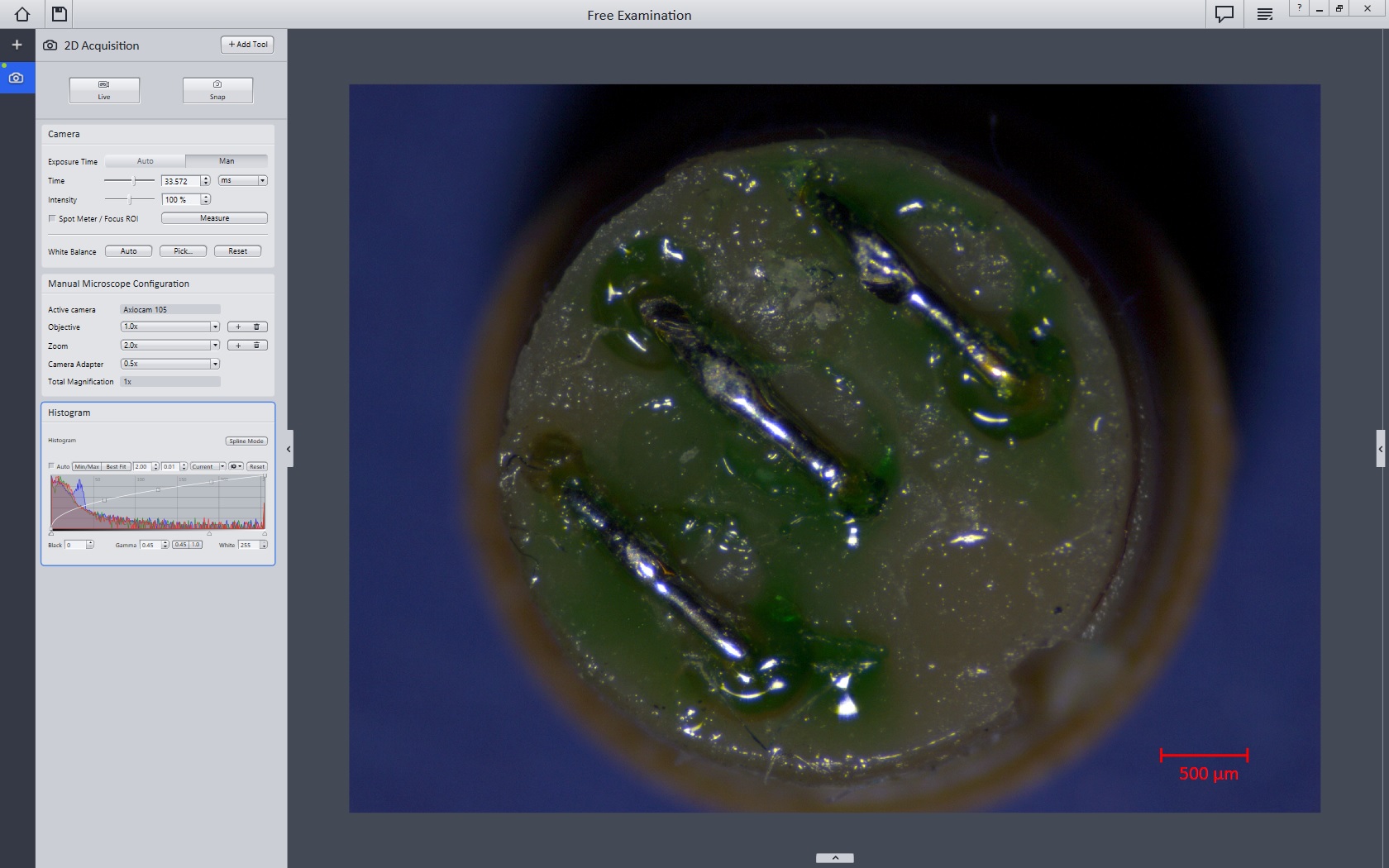
Software for digital microscopy - New dimensions in digital image processing for materials analysis.

Carl Zeiss is application-driven in all of its research and development. In software, this means a superb solution for the demands of the day-to-day lab routine.
 All functions are tailored to the requirements of light microscopy
from classical applications in the clinical laboratory to the latest techniques in the metals or plastics industries.

Axiovision

axiocabbrowser

Lukas Microscope Service, Inc.      8135 Skokie Blvd. Skokie, IL. 60077      847-673-2600

established in 1931                 all rights reserved